
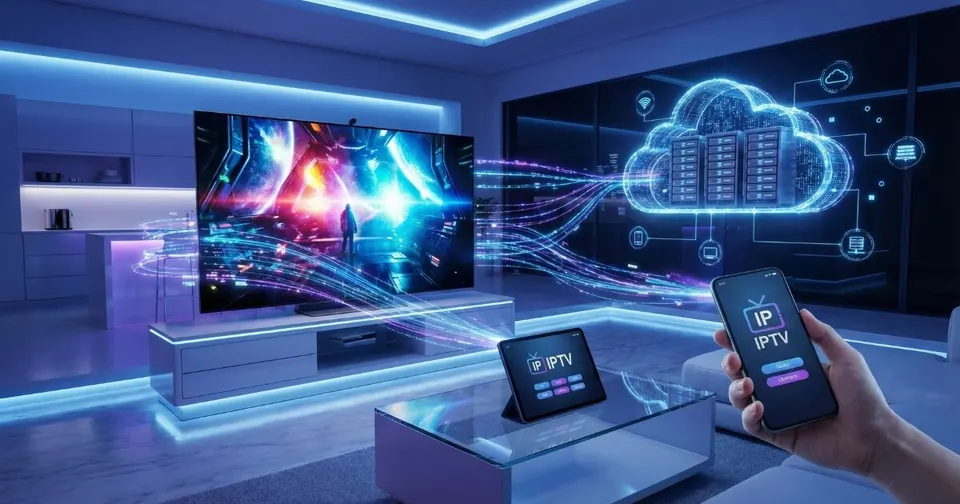
What is IPTV? The short answer: television delivered through your internet connection instead of through a coaxial cable, a satellite dish or an antenna. The letters stand for Internet Protocol Television. Instead of a broadcast signal that every home receives at the same time, the picture travels to you as data, the same way a video call or a streaming film does.
That small technical difference changes a lot in practice. You no longer need a decoder from a provider, you can watch on almost any screen, and you can take your television with you wherever there is good internet. In this article we explain how it works, what you need and what to keep in mind.
What is IPTV, in plain words?
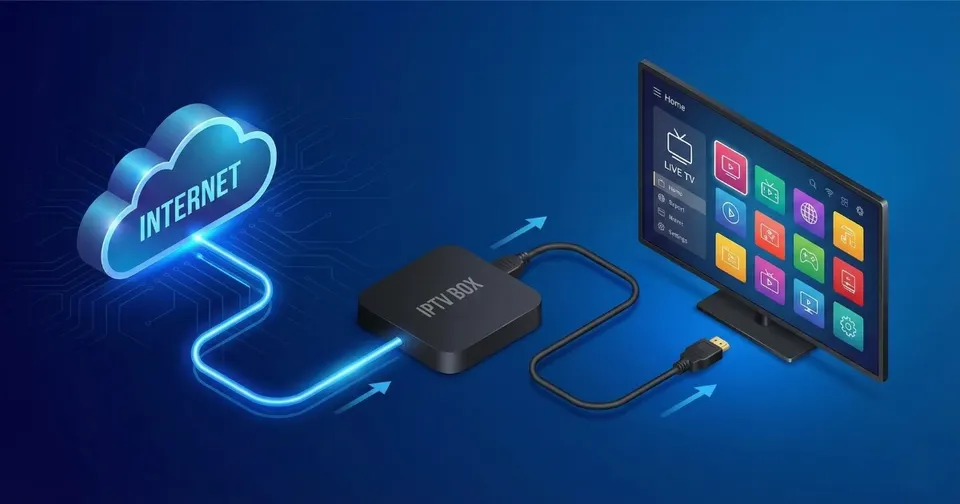
Think of classic television as a radio station: it sends one signal into the air or into the cable, and your television tunes in. IPTV works more like a library. Every channel and every film sits on a server. When you choose something, your app asks the server for it, and the server sends the picture to you in small packets of data.
The app on your television, stick or phone collects those packets, puts them in order and shows them as a smooth picture. Because this happens continuously, you do not notice it: you simply see live television.
The three kinds of content
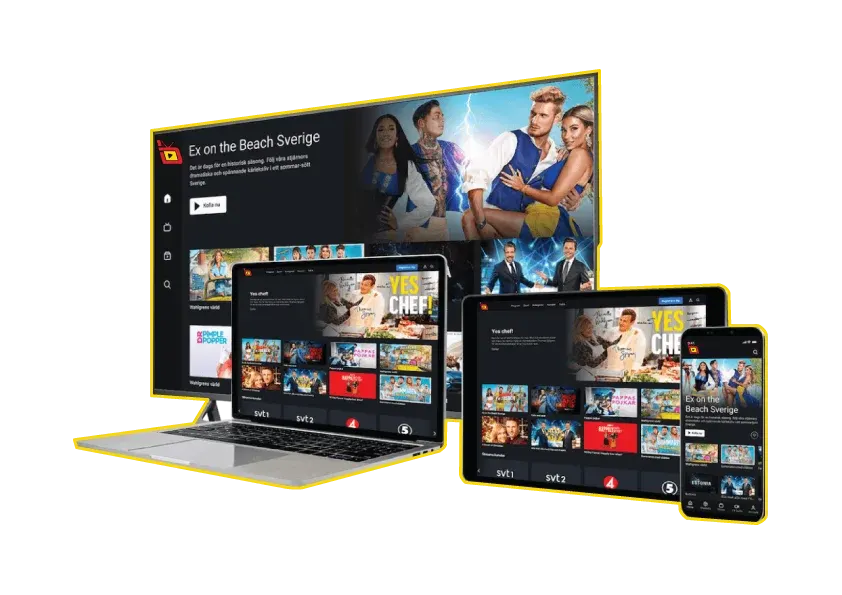
Most IPTV services, including ours, offer three types of content in one app.
- Live television. Channels that play in real time, exactly as on a classic television. Ideal for news and sport.
- Video on demand (VOD). Films you start whenever you want, with pause and rewind.
- Series. Complete seasons grouped by episode, so you can follow a series at your own pace.
A TV guide (often called EPG, Electronic Programme Guide) shows what is on now and next. Good apps also let you mark favourites and hide categories you never watch.
How IPTV differs from cable and satellite
With cable or satellite, the provider controls the whole chain: the cable or dish, the decoder and the contract. With IPTV you use your own internet connection and your own device. That brings more freedom, but also some responsibility: the quality of your home network affects the picture.
| Cable / satellite | IPTV | |
|---|---|---|
| Signal | Broadcast to all homes | Sent on request over the internet |
| Equipment | Decoder or dish | An app on your own device |
| Screens | Usually one television per decoder | Television, stick, tablet, phone, computer |
| Location | Fixed address | Anywhere with a good connection |
We wrote a full comparison in the article IPTV vs cable TV.
What you need to watch IPTV
The list is short. Most households already own everything.
- An internet connection. Around 15 to 25 Mbps for HD and 30 to 50 Mbps for 4K, per screen. Fibre and most cable connections in Belgium reach that easily.
- A device. A Smart TV from Samsung or LG, a Fire TV Stick, an Android TV player, an IPTV box, a phone, a tablet or a computer.
- An IPTV app. A player such as IPTV Smarters Pro, TiviMate or IBO Player. The app is only the player; it contains no channels by itself.
- A subscription. The login (Xtream Codes or an M3U link) that connects the app to the content.
Not sure which device or app to choose? See our pages on IPTV devices and IPTV apps.
Xtream Codes and M3U: the two kinds of login
When you order an IPTV subscription, you receive login details. They come in two common formats.
- Xtream Codes are three fields: a server address, a username and a password. Most apps prefer this format because it loads the TV guide and the film covers automatically.
- An M3U link is one long web address that contains the full list of streams. Some apps, such as VLC, only accept this format.
Both formats give access to exactly the same content. We send the one your app needs, and the IPTV setup guide shows where to enter it.
The advantages of IPTV
- No decoder and no technician. The installation takes a few minutes.
- All screens. The same login works on your television, your tablet and your phone.
- On demand. Films and series start when you want, not when the programme schedule says.
- No long contract. You pay for a period and decide afterwards whether you continue.
- International content. Programmes from many countries and in many languages, useful in a country with three national languages.
The limits you should know
An honest explanation of what IPTV is also includes its limits.
- It depends on your internet. If the Wi-Fi in your living room is weak, the picture will show it. A cable or a mesh system usually solves this.
- The app is not made by the provider. You use a third-party player, so menus differ from one app to another.
- One screen at a time. A standard login works on several devices, but plays on one at a time.
If buffering is a concern, read our article on IPTV buffering: most problems have a simple cause.
Is IPTV the same as Netflix?
Not quite. Streaming services such as Netflix offer only their own catalogue on demand. IPTV combines live television with films and series in one app. Many households keep a streaming service for its own productions and use IPTV for live television and sport. The two work side by side on the same device.
How to try IPTV yourself
The easiest way to understand IPTV is to see it on your own screen. Ask for the free 2-hour trial on WhatsApp, install the app we recommend for your device and test live channels, a film and a series. No payment is needed for the trial.
Once you know what IPTV is and how it feels at home, you can compare the plans on the IPTV prices page. More background on the protocol itself can be found on Wikipedia.
IPTV meaning: the words you will meet
Part of understanding what is IPTV is knowing the vocabulary. The IPTV meaning is simple, but the apps use a few technical words that can be confusing at first.
- Stream: one channel or one film as it travels to your screen.
- EPG: the TV guide inside the app.
- VOD: video on demand, the film and series library.
- Bitrate: how much data per second a stream uses. Higher bitrate means a sharper picture and a higher need for speed.
- Catch-up: watching a programme that has already been broadcast, when the channel supports it.
How does IPTV work, step by step?
If you still wonder how does IPTV work in practice, follow one evening of a typical household. At eight o'clock someone switches on the television and opens the app. The app connects to the server with the login and downloads the list of categories and the TV guide. That takes a few seconds.
Next, a channel is chosen. The app asks the server for that stream, receives the first seconds of video, fills its buffer and starts playing. While you watch, the app keeps downloading the next seconds in the background. When you switch channels, the old stream stops and the new one starts. When you start a film, the same happens, except that you can now pause and rewind.
That is IPTV explained in one paragraph: a request, a stream of data and an app that turns it into a picture. Everything else, from the TV guide to the favourites, is comfort built around that simple principle.
What is IPTV for different households?
What is IPTV in daily life? The answer differs per home.
- For a sports fan, it is one app with football, cycling, tennis and motorsport, without extra packs. See the IPTV sport page.
- For a multilingual family, it is television in Dutch, French, German, English and other languages on the same screen.
- For a student or a small flat, it is television without a decoder, on a laptop or a stick.
- For people who travel, it is the same television at home, in a holiday flat or at a second residence.
What is IPTV not?
To complete the picture: IPTV is not a special kind of television set, not a satellite system and not a single app. It is a way of delivering television. The same technology is used by many television providers behind the scenes; the difference with a service like ours is that you choose your own device and your own app.
Now that you know what is IPTV, the next logical step is a test on your own screen.
Questions
Frequently asked questions
What is IPTV in one sentence?
Television sent through your internet connection to an app on your television, stick, phone or computer, instead of through a cable, a dish or an antenna.
Do I need a special box for IPTV?
No. A Smart TV app or a streaming stick is enough. An IPTV box is an option for people who want a dedicated device with a network port.
How fast must my internet be?
Around 15 to 25 Mbps for HD and 30 to 50 Mbps for 4K per screen. A stable connection matters more than the highest speed.
Can I keep my current internet provider?
Yes. IPTV works over any good internet connection, whoever the provider is.