
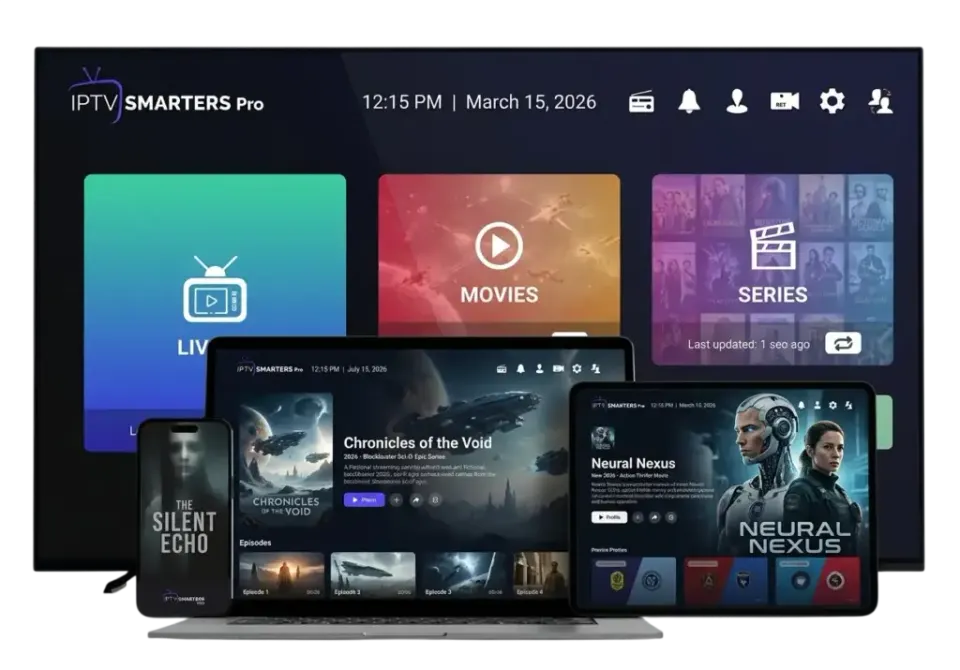
People often think the choice of IPTV apps is complicated. It is not, once you know that all of them do the same basic job: they take your login, fetch the content and play it. The differences are in comfort. Some apps feel like a streaming service, others like a classic decoder. Some run everywhere, others on one family of devices only.
Apps
The four IPTV apps our customers use most
IPTV Smarters Pro
Simple menus for live TV, films and series. Runs on almost every device.
TiviMate
A full TV guide and fast zapping on Android TV and Fire TV.
IBO Player
A common choice on Samsung and LG televisions.
VLC media player
Free player for a quick test on a computer.
These apps are made by independent developers. Belgium IPTV 4K is not connected to them. We name them because they are widely used and work well with the login we provide.
IPTV Smarters Pro
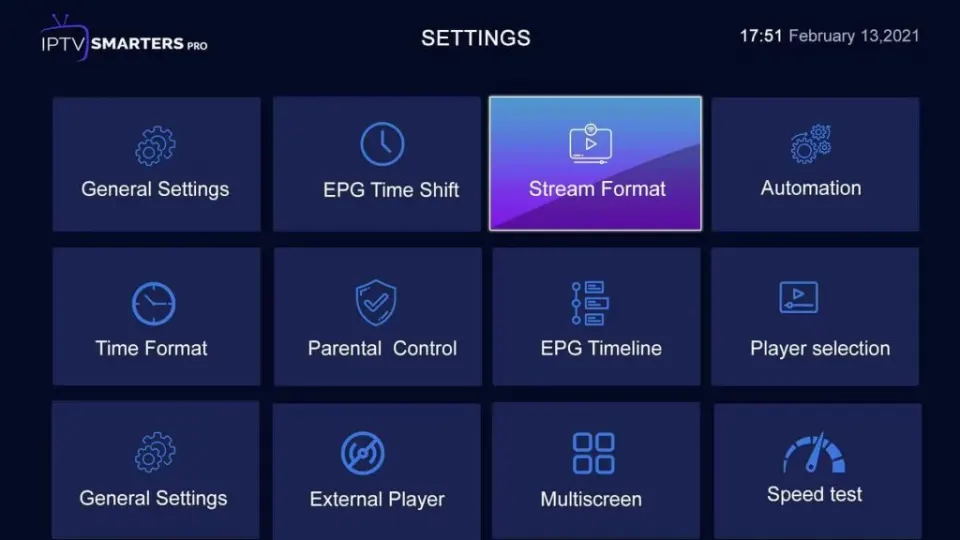
The home screen shows three large tiles: Live TV, Films and Series. That is about as much explanation as the app needs. Films and series appear with a cover and a short description, and the app remembers where you stopped. It is available for Android, iOS, Windows, Mac and several Smart TVs, sometimes under the name Smarters Player Lite. If you want the same familiar app on every screen in the house, start here.
Best for: beginners, film and series fans, households with mixed devices.
TiviMate
TiviMate is built for live television. The TV guide fills the screen like a programme grid, you zap with the arrow keys and one button takes you back to the previous channel. It exists only for Android TV, Google TV and Fire TV. The basic version is free; extra functions such as several playlists and recording belong to the paid Premium version sold by the developer.
Best for: daily live television and sport on a stick or an Android box.
IBO Player
On Samsung and LG televisions the choice of players is smaller, and IBO Player is one of the common answers. The television shows a device code, and the playlist is added on the developer's website. The app is licensed by its developer after a trial period; that licence is separate from your IPTV subscription.
Best for: Samsung and LG Smart TVs without an extra stick.
VLC media player
VLC is not a real IPTV app, but it opens an M3U link in seconds and it is free. There is no TV guide and no favourites list. Use it to check that your login works on a computer; for everyday viewing a dedicated player is more comfortable. You can download it from videolan.org.
Best for: a quick test on Windows or Mac.
IPTV apps compared
| App | Devices | TV guide | Cost of the app |
|---|---|---|---|
| IPTV Smarters Pro | Android, iOS, Windows, Mac, some Smart TVs | Yes, simple | Free to use |
| TiviMate | Android TV, Google TV, Fire TV | Yes, very complete | Free basic version, paid Premium |
| IBO Player | Samsung, LG, Android | Yes | Licence from the developer |
| VLC | Windows, Mac, Linux | No | Free |
Prices and conditions of apps are set by their developers and can change. Check the app store for the current situation.
Which of these IPTV apps should you take?
- You are new to IPTV: IPTV Smarters Pro.
- You have a Fire TV Stick or Android box and love zapping: TiviMate.
- You want to use the Samsung or LG television without extra hardware: IBO Player.
- You want to test on a laptop: VLC or Smarters.
Nothing stops you from installing two. Many customers keep TiviMate for live television and Smarters for films, with the same login in both. Just remember that the service plays on one screen at a time.
What all good IPTV apps have in common
Whatever you choose, look for the same basics. The app should accept Xtream Codes, show a TV guide, let you build favourites and offer a choice of internal players in case a channel does not start. It should also be updated regularly; a player that has not changed in two years will sooner or later stop working on a new television.
Beyond that, trust your own eyes. IPTV apps are a matter of taste, like a web browser. Spend one evening with the app we recommend for your device. If the menus annoy you, try the next one: your login stays the same, so switching costs you five minutes and nothing else.
Do I have to pay for an app?
Not necessarily. There are free IPTV apps for every kind of device, and they play the same picture as the paid ones. Paid versions add comfort, such as recording or a more detailed guide. Decide after a few weeks of use whether that comfort is worth it to you.
Install apps safely
Only install players from the app store of your device or from the developer's own website. Stay away from modified versions offered on forums or in video descriptions: you have no idea what has been added to them. A player never needs access to your contacts, your messages or your photos.
After installing
Every app asks for the same thing: your Xtream Codes or your M3U link. The steps are described in the setup guide. Which hardware suits which app is on the IPTV devices page. And if you want to see an app in action before you pay for anything, the free trial is the easiest way.
Questions
Questions about apps
Which IPTV apps work with your service?
Any player that accepts Xtream Codes or an M3U link. IPTV Smarters Pro, TiviMate, IBO Player and VLC are the ones our customers use most.
Are the apps free?
Some are free, some have a paid version or licence from their developer. That cost is separate from your subscription. There is a free option for every device.
Do the apps contain channels?
No. An app is only a player. The content appears after you sign in with the login from your subscription.
Can I use two apps with one subscription?
Yes. The same login works in several apps. You watch on one screen at a time.
Which app has the best TV guide?
TiviMate, on Android TV, Google TV and Fire TV. Its guide is the closest to that of a classic decoder.
My app is not in the store. What now?
Tell us your device model on WhatsApp. We suggest an alternative player that is available for it.