
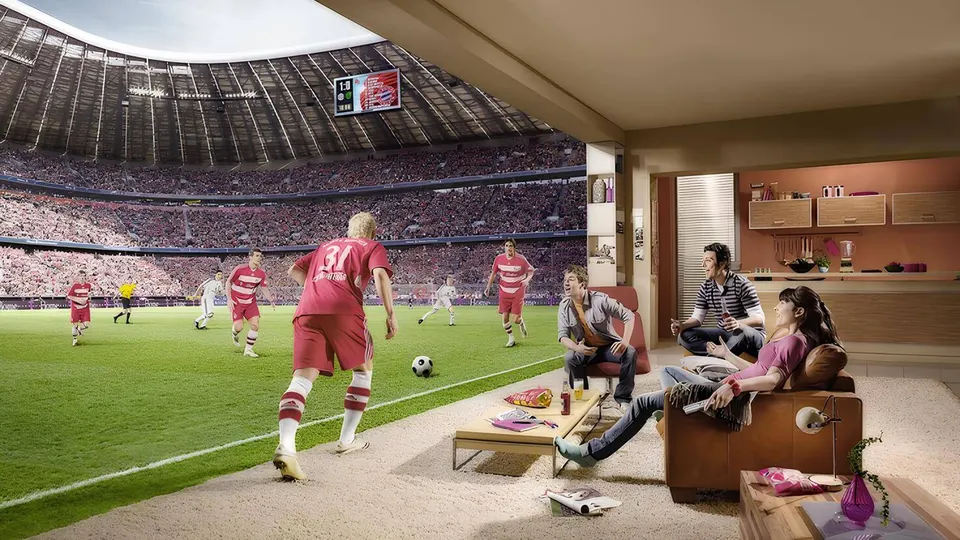
For many households, IPTV sport is the reason they switch. Sport used to be spread over several paid packs, each with its own decoder menu and its own monthly bill. With IPTV, the live sport categories sit in the same app as the rest of your television, and they are included in every period of your subscription. No sport add-on, no second contract.
This page explains what you can follow, what makes the picture stable on a busy match night, and how to set up your device so you never miss the kick-off.
What IPTV sport covers
The sport section is organised by discipline and by country, so you reach a match in a few clicks instead of scrolling through hundreds of programmes.
- Football: the Belgian league, the major European leagues, European cup competitions and international matches.
- Cycling: the spring classics, the big tours and cyclocross in winter, a Belgian favourite.
- Tennis: the Grand Slams and the main tour tournaments.
- Motorsport: Formula 1, MotoGP and endurance racing.
- Other sports: basketball, hockey, darts, snooker, combat sports and athletics.
Which events are broadcast depends on the season and on the rights of the broadcasters, so we never promise a specific match in advance. If one competition matters to you, ask on WhatsApp before you order, or check it yourself during the free trial.
Picture quality for live sport
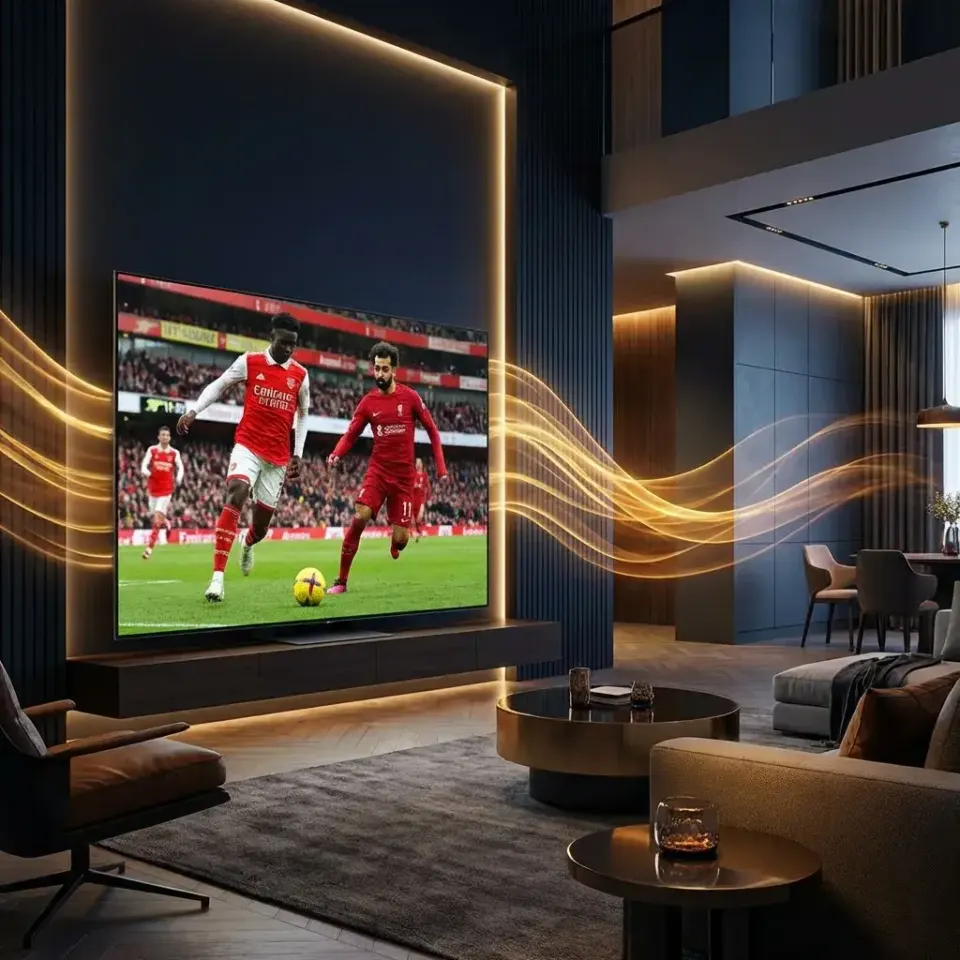
Sport is the most demanding content for any television service. The ball moves fast, the camera pans constantly and the grass is full of fine detail. That is why IPTV sport streams are offered in several qualities, from SD to Full HD and 4K where the source exists.
| Quality | Recommended speed | Best for |
|---|---|---|
| SD | 8 Mbps | Phone, weak connection, a backup stream |
| HD / Full HD | 15–25 Mbps | Most televisions, tablets and laptops |
| 4K | 30–50 Mbps | Large 4K televisions with a wired connection |
The numbers are per screen. If two people watch different matches at the same time, add both together. You can measure your real speed on fast.com from the device you watch on, not from your phone next to the modem.
Five tips for a smooth match night
- Use a cable when you can. An Ethernet cable between the modem and the television or box removes most of the hiccups caused by Wi-Fi.
- Open the match a few minutes early. The app needs a moment to load the stream; you then have time to switch to another quality if needed.
- Keep a second quality in mind. If the 4K stream is busy, the Full HD version of the same channel is often smoother.
- Pause heavy downloads. Game updates and cloud backups on other devices compete for the same connection.
- Restart the app before a big game. A fresh start clears the cache and avoids surprises at kick-off.
Our IPTV setup guide explains how to enter your login, and the article on IPTV buffering goes deeper into connection problems.
The best devices for IPTV sport
Every device that runs an IPTV app can show sport, but some do it better than others. For football in 4K we recommend a recent Fire TV Stick 4K, an Android TV player or an IPTV box with a network port. Smart TVs from Samsung and LG work well with the right app, and a phone or tablet is ideal to follow a match in the kitchen or on the road.
Compare the options on our IPTV devices page and choose an app on the IPTV apps page. Apps with a good TV guide let you see in advance on which channel the match will be shown.
Live football IPTV: why it is so popular in Belgium
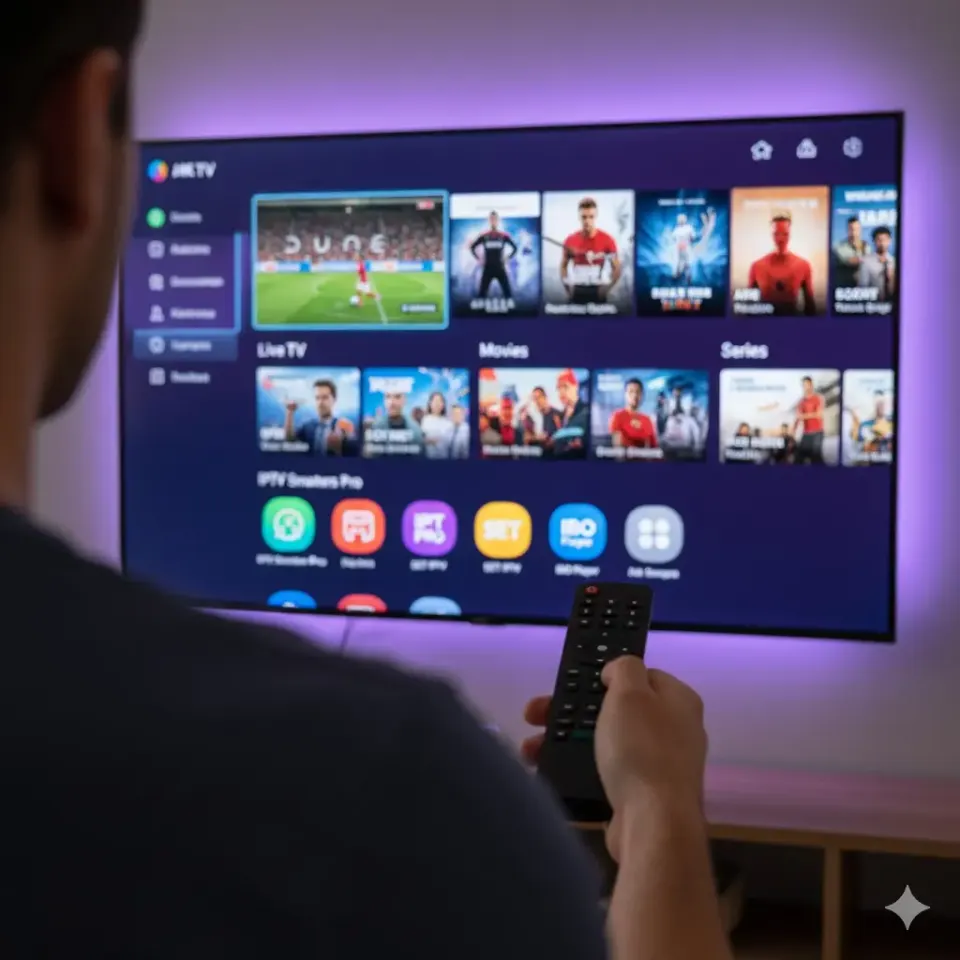
Belgium is a football country, and live football IPTV is what most new customers ask about first. The reason is simple: with sport IPTV Belgium viewers follow the national league, the big foreign leagues and the European cups in one place, often in better picture quality than the decoder they had before. IPTV football also follows you: start the match on the television and finish it on your phone when you leave the room. Because IPTV sport has no separate pack, the price stays the same whether you watch one match a month or five a week.
Sport with the whole family
One subscription covers every kind of sport, so the football fan and the cycling fan in the same home no longer need separate packs. The login works on several devices, one screen at a time, and adult categories can be locked with a PIN so children only see what you allow.

Test IPTV sport before you pay
The best way to know whether IPTV sport works in your home is to test it during a real match. Ask for the free 2-hour trial on WhatsApp, choose a time when a match is on, and watch it on the device you will actually use. That tells you more than any speed test.
Plans
Sport is included in every plan
There is no separate sport pack. The 3, 6, 12 and 24-month plans all contain the full sport section. The longer the period, the lower the price per month; see the IPTV prices for the details.
3 months
30 €
10 € per month
One single payment
- Live TV, films and series in one app
- Up to 4K, depending on your connection
- TV guide included
- Works with M3U and Xtream Codes
- Setup help on WhatsApp
6 months
45 €
7,50 € per month
One single payment
- Live TV, films and series in one app
- Up to 4K, depending on your connection
- TV guide included
- Works with M3U and Xtream Codes
- Setup help on WhatsApp
Most popular
12 months
60 €
5 € per month
One single payment
- Live TV, films and series in one app
- Up to 4K, depending on your connection
- TV guide included
- Works with M3U and Xtream Codes
- Setup help on WhatsApp
24 months
100 €
4,17 € per month
One single payment
- Live TV, films and series in one app
- Up to 4K, depending on your connection
- TV guide included
- Works with M3U and Xtream Codes
- Setup help on WhatsApp
More about each plan:IPTV 3 monthsIPTV 6 monthsIPTV 12 monthsIPTV 24 months
Questions
Frequently asked questions about IPTV sport
Is sport included in every IPTV plan?
Yes. All four periods contain the same sport section. There is no extra sport pack to buy.
Can I watch football in 4K?
Yes, when the match is produced in 4K and your connection offers around 30 to 50 Mbps for that screen. Otherwise the Full HD stream is used.
Why does a stream sometimes freeze during a big match?
Usually because of the home Wi-Fi or because other devices use the connection. A cable and switching to Full HD solve most cases. We also help on WhatsApp.
Can I test a specific match before ordering?
Yes. Ask for the free 2-hour trial and choose a time when that match or competition is on.
Can I watch sport on my phone?
Yes. Install an IPTV app on your phone or tablet and use the same login. You watch on one screen at a time.